Insight
What two fibre lines, Tailscale and Screens 5 changed about the device in front of me
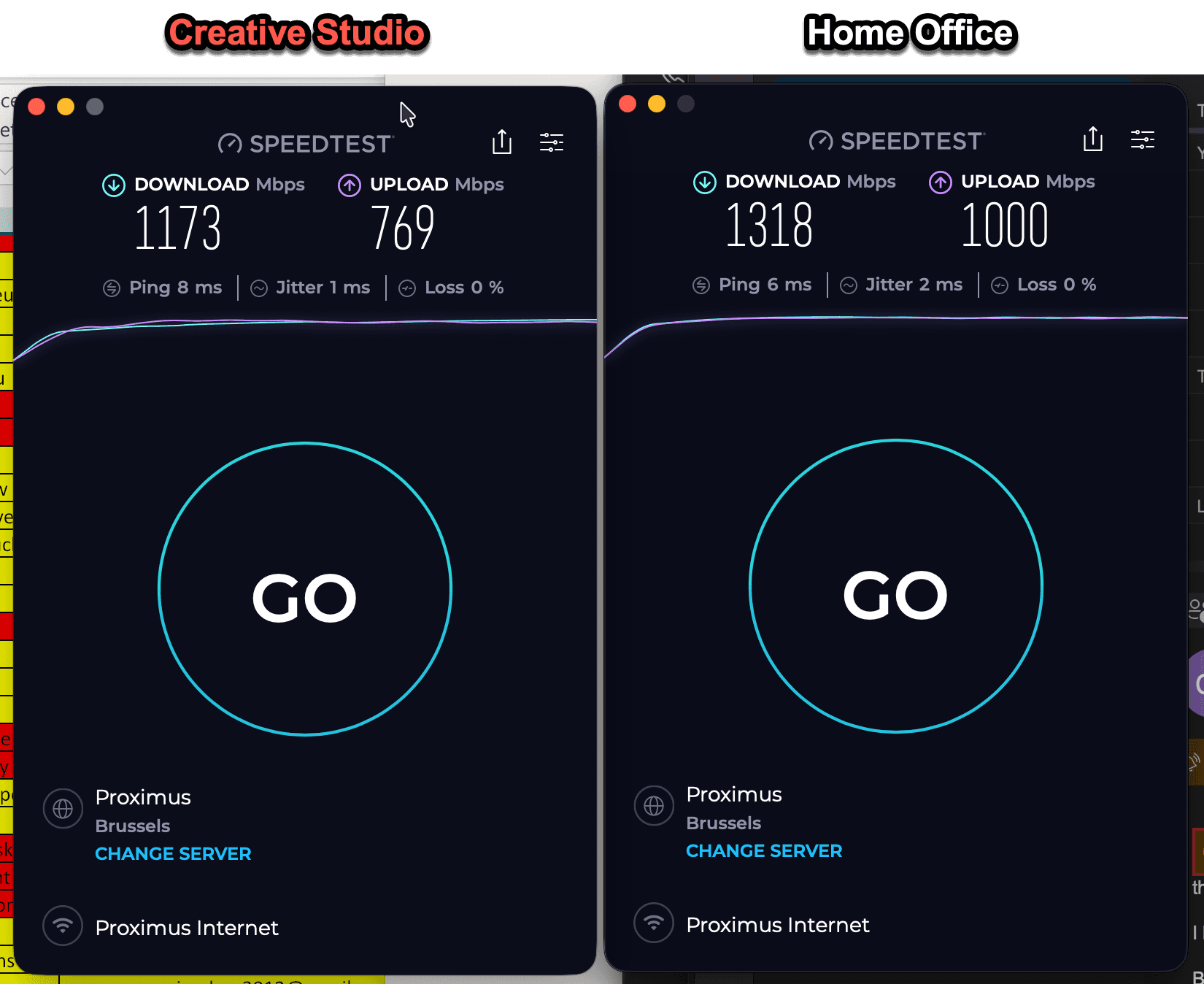
There is an obvious way to read those numbers: 1,173 Mbps down and 769 up at my Creative Studio, 1,318 down and 1,000 up at my Home Office. Nice numbers, but not the point. The point is what happens once a connection is good enough that you stop thinking about it — because somewhere along the way, my computer stopped being synonymous with my workplace.
Two places, one working environment
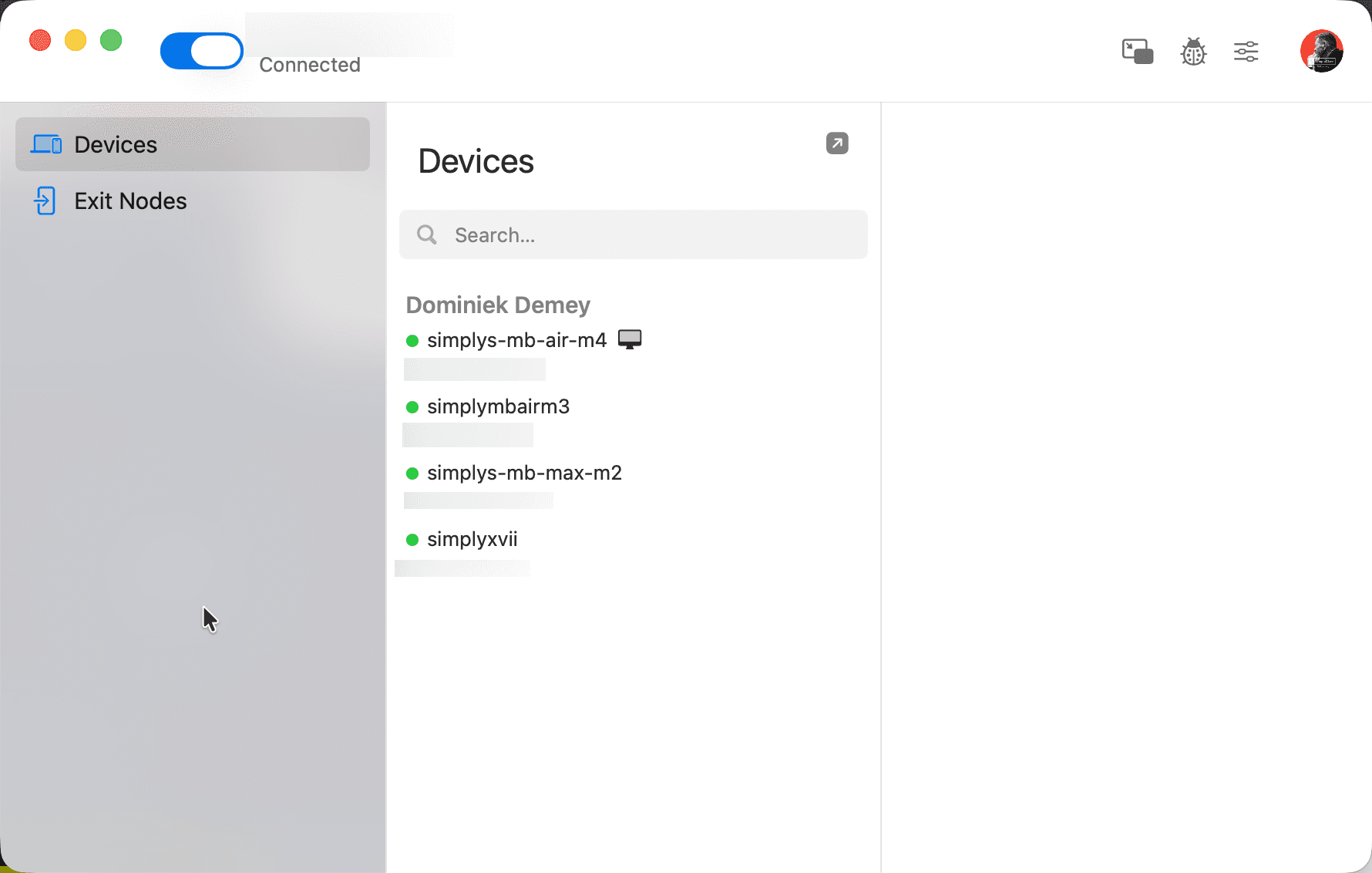
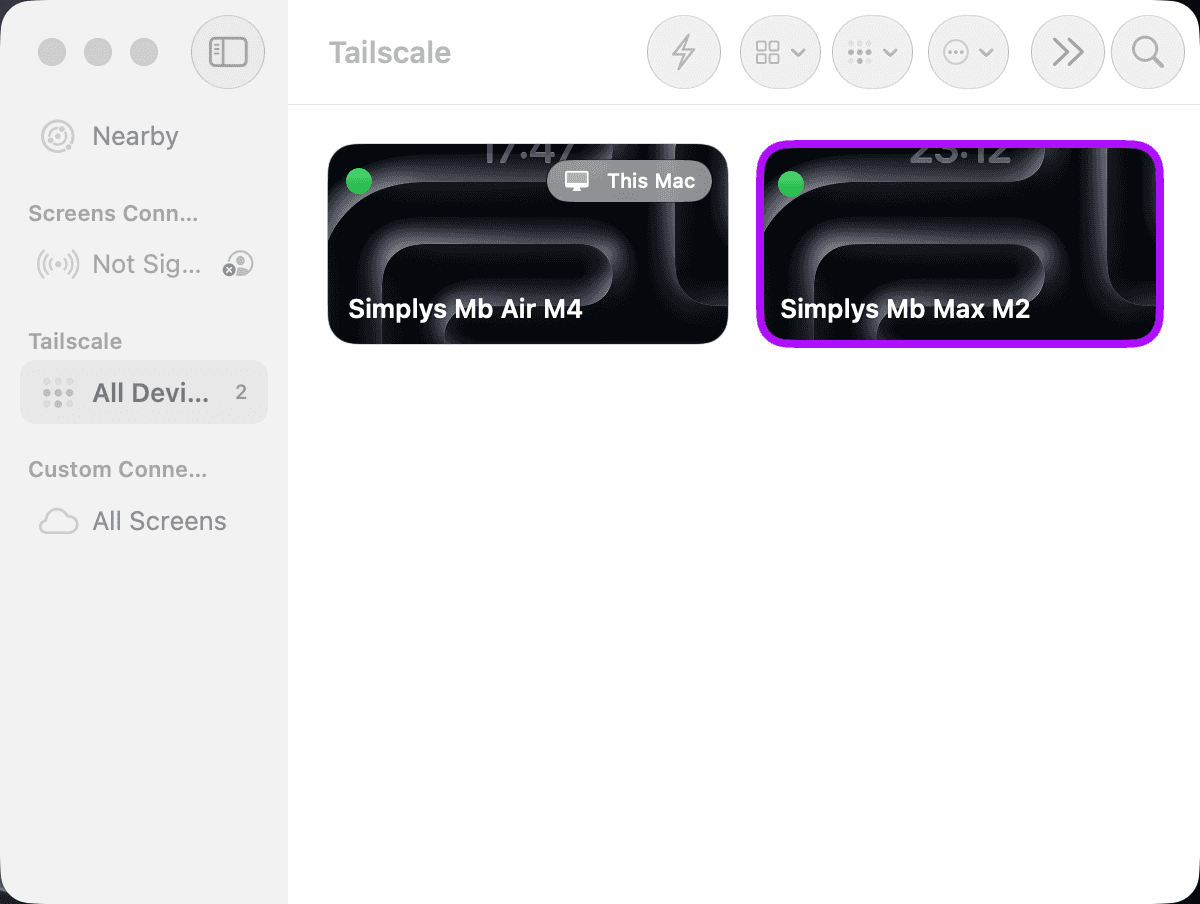
I keep substantial computing in two locations, both on fast fibre (Mobile Vikings, on Proximus infrastructure). On top of that sit two more layers. Tailscale puts the machines on a private network of their own. Physically they sit in different places; operationally they simply appear as reachable devices, without port forwarding or other network surgery. Screens 5 provides the interface: from a MacBook, an iPad or even an iPhone, I pick the computer I need and operate it directly.
Conceptually this is trivial — remote desktop has existed for decades. Operationally, it never quite was. What changed is reliability: the difference between a fallback you tolerate and a workstation you forget is remote.
The unreasonable test
My benchmark is almost deliberately unreasonable. I can sit in my car, connect the iPad through its wifi hotspot, open Screens and work on either Mac at the studio or at home. Six links in the chain — car, internet, Tailscale, the remote Mac, Screens, iPad — and I no longer think about any of them. That, rather than the raw capability, is the actual achievement. Technology is interesting when you notice it; infrastructure is interesting when you stop noticing it.
What actually carries the setup
Download speed dominates how connections get marketed, and here it is close to the least relevant figure. Operating a machine remotely leans on the upload capacity of the machine being controlled, on latency, and on stability at both ends — and on being able to establish a secure connection between two endpoints without redesigning a network every time something moves.
Fibre supplies the transport, Tailscale the private network, Screens the human interface. Each layer solves a different part of the problem. When any of those functions becomes unreliable, the setup stops disappearing into the background.
The device becomes an interface
This changes what I ask of hardware. Buying a mobile computer used to mean carrying as much of your working environment as possible: files, applications, processing power, configuration. I now work the other way around. The device in front of me doesn’t have to contain the environment; it has to give me good access to it. An iPad doesn’t need to pretend to be a Mac — it can stay an iPad and still be an excellent interface to one.
The same logic extends to compute. Some work belongs on a mobile device, some on a workstation, some on hardware with serious memory or GPU capacity — local AI models being the obvious case. There is little sense in replicating every capability on every device just because I might want to use it from several places. Keep the compute where it makes sense; make it reachable.
This is not cloud-everything
Making a machine remotely accessible is not the same as moving your working life into someone else’s data centre. The Macs still exist. The files live where I put them, applications run where I installed them, local compute stays local. What changes is access: I’m separating where something runs from where I have to be to use it. For my workflow, that is considerably more useful than swapping another local application for another SaaS subscription.
Where it still breaks
None of this makes connectivity irrelevant. A poor mobile link turns an elegant setup into an irritating one, some workflows stay latency-sensitive, some peripherals have to be physically present, and sometimes the simplest option is the machine sitting in front of you. The claim is narrower: the distinction between local and remote matters far less often than it used to.
Which leaves one design principle for my own infrastructure: build the resources where they belong, connect them properly, and make access boring. My office hasn’t become a place I can carry with me. It has become something I can reach.